Central Management Panel
All domains and sub-sites, along with pages, menus, modules, media content, and user permissions, are controlled from a single administration panel.
A corporate multi-site management platform that manages all websites belonging to different units, brands, and domains from a single center, including content, design, SEO, and visitor analytics.
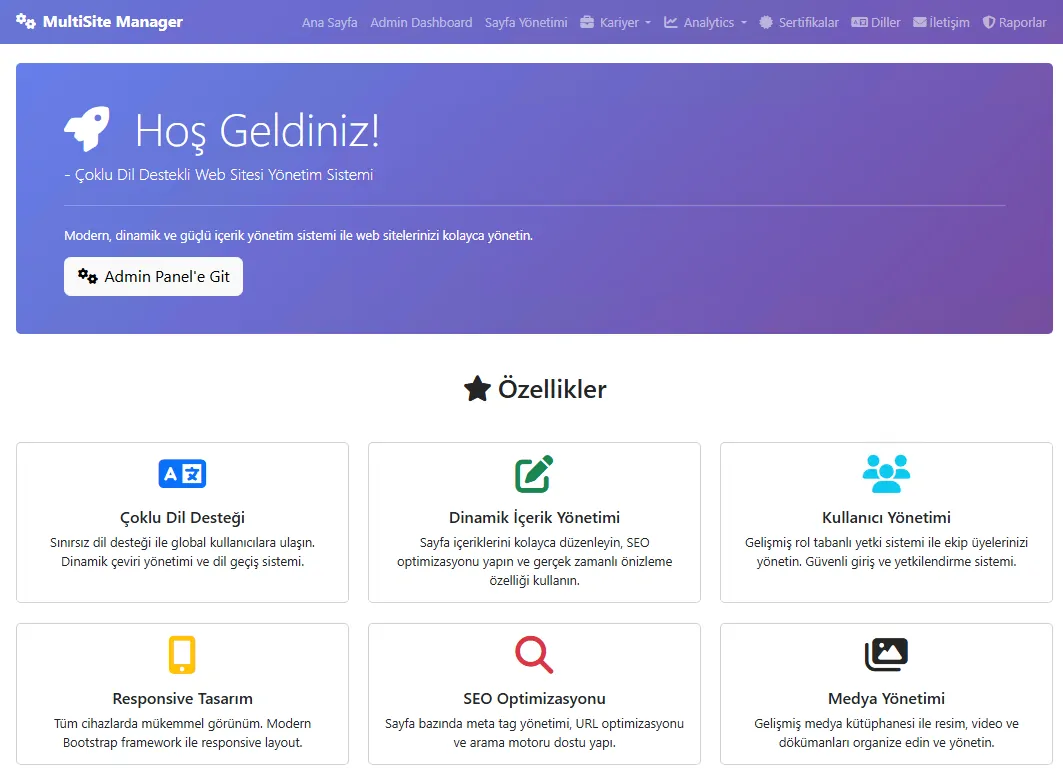
It allows you to manage the faculty, institute, department, sports club, event, and sub-brand websites within your organization from a single central panel. It significantly reduces operational burden while improving content consistency, brand integrity, and update speed.
All domains and sub-sites, along with pages, menus, modules, media content, and user permissions, are controlled from a single administration panel.
Thanks to the template, color, typography, and component library, the same corporate look and user experience is maintained across all sites.
Corporate news, announcements, events, and specific dynamic content are synchronized with selected sub-sites to prevent information inconsistencies.
Domain-based SEO settings, meta management, and visitor analytics based on country, city, page, and language allow you to continuously improve your digital visibility.
From sports and event-based websites to corporate portals, it runs all sites on the same core infrastructure in a multi-tenant structure.
It standardizes and makes the entire process, from new site launch to content creation, approval process, and publication, auditable.
New domain/subsite registration, brand and unit association, basic template and theme selection.
Defining the top menu, sub-menu, breadcrumbs, and page hierarchy.
Linking modules such as news, events, gallery, certificates, careers, fairs, and media to the pages.
Editor → Site Admin → Content approval and version management via publishing stream.
Visitor statistics, most-read content, most-used languages, and content strategy are continuously updated based on traffic.
It offers a convenient, secure, and controlled content management model for corporate communications/IT at the central level, and for units and sub-brands in the field.
All sites offer a robust SEO infrastructure, Google Analytics/Tag Manager integration, and visitor dashboards that track your organization's digital presence.
A standards-compliant infrastructure for page titles, meta descriptions, URL structure, schema markup, and language tags.
Visitor distribution by country, region, and province shows which sites and pages receive the most traffic from different locations.
Most visited pages, most read news articles, most viewed products and content; ready-to-use reports for decision support.
Which languages are used most frequently, language-based session and interaction rates; the analytical infrastructure that feeds your multilingual strategy.
Website Community Management naturally integrates with other modules on the TOKU platform (Event, Tournament, Training Management, Alumni Information System, etc.).
Examples of multi-site administration panels, page editors, menu management, and visitor analytics screens.


Theoretically, there are no limits. You can manage dozens of domains and hundreds of sub-sites in university, municipality, holding company, or federation structures through a single TOKU panel. Theme, content, and permission structure can be defined separately for each site.
First, the page structure, content types, and URLs on existing sites are analyzed. Then, pages and modules corresponding to the new templates are defined. Content can be transferred via bulk import; critical pages are protected with redirects without SEO loss.
No. Corporate colors, fonts, logo usage, and basic templates are centrally managed by the Super Admin. Site Admins can update content and images, but they cannot interfere with core areas that would compromise the corporate identity.